In a nutshell
- 📡 A simple sheet of aluminium foil acts as a passive reflector, boosting Wi‑Fi SNR, cutting retries, and enabling higher modulation rates for more stable throughput.
- 🛠️ Build a shallow parabolic or corner reflector sized to wavelength (2.4 GHz ≈ 12.5 cm; 5 GHz ≈ 6 cm) and place it 0.25–0.5λ behind the antenna for +3–8 dB and potential 20–50% speed uplift.
- 🎯 Aim the reflector toward the problem room; adjust a few degrees at a time and track RSSI, link rate, and retries; respect beamforming/MIMO layouts and never wrap or block ventilation.
- ⚠️ Reflectors are situational: they won’t fix ISP caps, channel congestion, or poor backhaul, and can reduce coverage behind the router; whole‑home needs often call for AP relocation or wired backhaul.
- 🧪 Validate gains with before/after tests, using median throughput, jitter, and packet loss; the article’s table lists practical sizes, offsets, and alignment tips for quick wins.
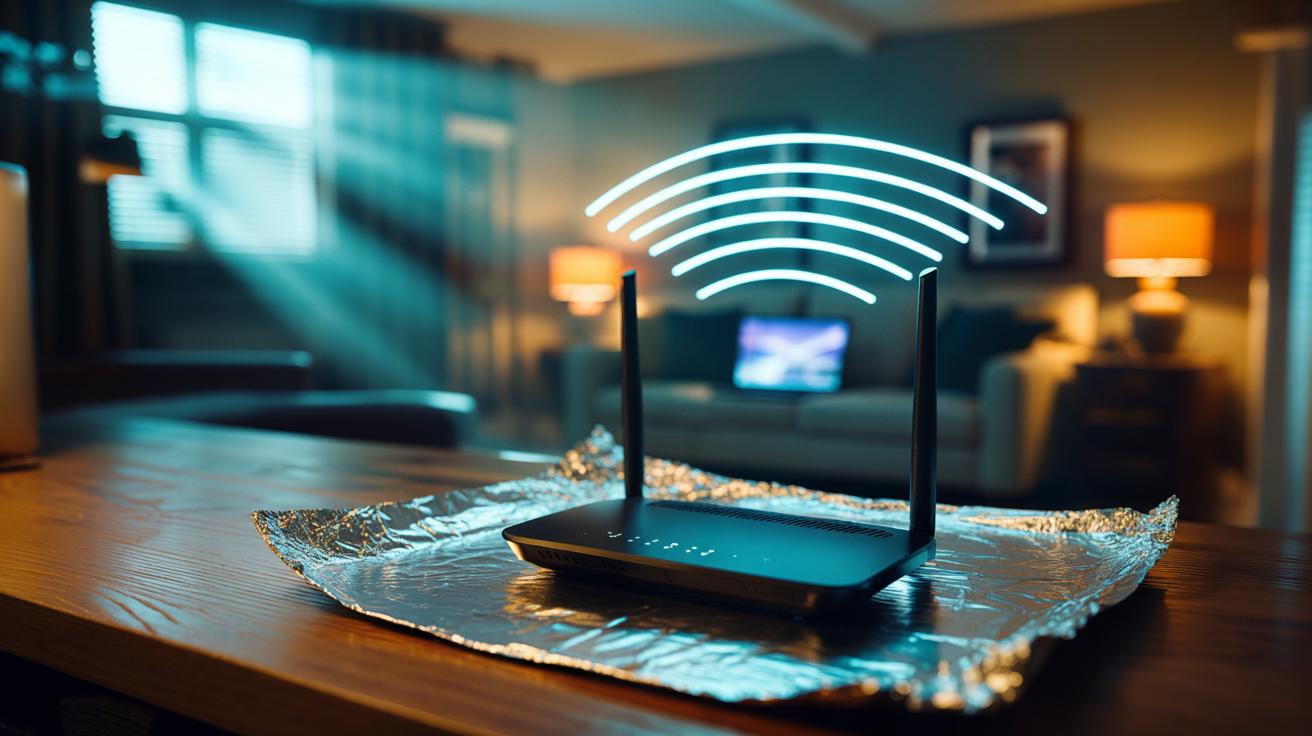
Your home network may not need a new router; it might need a mirror. A simple sheet of aluminium foil, carefully shaped and placed, can corral stray Wi‑Fi waves and nudge them toward the devices that matter. Not a gimmick. It’s radio engineering in miniature. By reflecting and focusing energy, foil can lift the signal‑to‑noise ratio, calm interference, and reduce retransmissions that quietly throttle transmission speed. Corridors, loft conversions, garden offices: these awkward spaces benefit most. The trick is not more power, but smarter direction. Here’s how reflections work, how to build a quick reflector, and where this hack shines—or falls flat—inside a British home.
The Physics Behind Aluminium Foil Reflectors
Wi‑Fi at 2.4 and 5 GHz sits squarely in the microwave region. Metals are excellent conductors, so incident radio waves strike the foil and bounce in a predominantly specular fashion—think light off a mirror. Shape matters. A curved or angled foil sheet behind a router antenna can redirect energy from an unfocused donut into a tighter lobe. That increases directivity and concentrates power where you want it, effectively raising received signal strength by several decibels. A stronger, cleaner signal yields higher throughput because your devices can use faster modulation without error‑prone retries. In short, fewer dropped packets, more usable speed.
The gains are modest but meaningful. A simple “windsurfer” parabolic made from card and foil can provide 4–8 dB of apparent antenna gain at 2.4 GHz; a rough corner reflector may offer 3–6 dB. That may translate to a 20–50% speed uplift in rooms starved of signal, and even more in interference‑heavy flats where reflection reshapes the pattern away from noisy neighbours. The maths is familiar: stronger SNR increases channel capacity per Shannon. Crucially, reflectors also reduce power radiated into dead zones, which cuts self‑interference from multipath echoes. The result is steadier pings and fewer rate drops during video calls.
How to Shape and Position Foil for Real Gains
Start with geometry. At 2.4 GHz the wavelength is roughly 12.5 cm; at 5 GHz it’s about 6 cm. For a quick build, curve a piece of aluminium foil over cardboard to form a shallow parabola, about 1.5–2 wavelengths wide and high. Place it just behind the router’s external antennae or the device itself, with a gap of roughly 0.25–0.5 wavelength between antenna and reflector. Aim the open face toward the problem room. Small tweaks in angle—five degrees here or there—can swing results dramatically. Do not wrap foil around antennas or block ventilation; that detunes radios and risks overheating.
Measure, then refine. Use a phone app or laptop utility to watch RSSI, link rate, and retries while slowly sweeping the reflector. If the router supports beamforming or MIMO, treat each antenna stack as a unit and position the foil so you don’t shield companion elements. Expect back‑lobe loss: coverage behind the reflector will fall. For devices scattered in all directions, try a V‑shaped corner reflector behind the router at about 90–120 degrees; it broadens the forward lobe while trimming sides. When the lobe aligns with your hallway or stairwell, speeds often jump with almost no cost. Tape, test, adjust, repeat until the signal stabilises.
When It Works and When It Doesn’t
This hack thrives in cluttered homes and terraces where line‑of‑sight is scarce. By directing energy down a corridor or through one critical doorway, you improve penetration and reduce the chaos of multipath. It’s also handy in rented flats: a reversible, low‑cost fix with no drilling. Older single‑band routers benefit most. Expect the biggest wins at 2.4 GHz where wavelengths are longer and walls are less punishing. On 5 GHz, gains are still real but more sensitive to shape and alignment because the beam narrows and objects look electrically larger.
Yet foil isn’t a miracle. If throughput is capped by your ISP, Ethernet backhaul, or an overloaded channel, extra signal won’t change the limit. Mesh systems use coordinated MIMO and dynamic patterns; a crude reflector can confuse their algorithms or starve a satellite node. Thick foil near internal antennae may detune them, lowering efficiency. And while focusing a beam helps one room, it can starve others—particularly upstairs. If you need whole‑home coverage, repositioning the router, adding a wired access point, or switching channels may outclass any reflector. Think of foil as a scalpel, not a sledgehammer: targeted, tidy, and situational.
Quick Reference: Sizes, Gains, and Testing
A little planning reduces trial and error. Use the wavelength as your ruler, choose a reflector that matches your band, and test before you commit. The figures below are conservative and practical for living rooms, home offices, and converted lofts. They also align with the sizes you can build from an A4 sheet and a cereal box—British DIY at its thriftiest. Prioritise stability over maximum bars; a steady 200 Mbps beats a spiky 400/20 that constantly renegotiates. Keep aluminium smooth to avoid scattering, and avoid sharp kinks right behind antenna elements.
| Band | Approx. Wavelength | Reflector Width/Height | Offset Behind Antenna | Typical Gain | Notes |
|---|---|---|---|---|---|
| 2.4 GHz | 12.5 cm | 20–25 cm | 3–6 cm | +4 to +8 dB | Good for hallways; forgiving of shape. |
| 5 GHz | 6 cm | 10–15 cm | 1.5–3 cm | +3 to +6 dB | Sharper aim; more sensitive to alignment. |
| Dual‑band | — | 20–25 cm | 3–4 cm | Varies | Compromise build; favour your busiest band. |
Test method: stand at the troublesome spot and run multiple speed tests at off‑peak times. Track median throughput, not the single best run. Watch packet loss and jitter for calls. Then remove the reflector and repeat. If you don’t see a consistent uplift across three rounds, rethink alignment or abandon the foil for a better access point location. Keep the reflector clear of power cables and do not cover heat vents. Highlight wins by locking your device to 5 GHz if it’s strong; otherwise let it roam to 2.4 GHz for reach.
Aluminium foil won’t turn a budget router into a broadcast mast, but it can reshape wasted energy into useful speed where you actually sit and work. The principle is simple, the kit is free, and the results—when measured honestly—can rival pricier upgrades in tricky rooms. Shape, aim, verify: that’s the playbook. If your network still sputters, it’s a sign to relocate the access point, wire a second one, or change channels, not to stack more foil. Where in your home would a deftly aimed reflector make the biggest difference to your day?
Did you like it?4.6/5 (27)